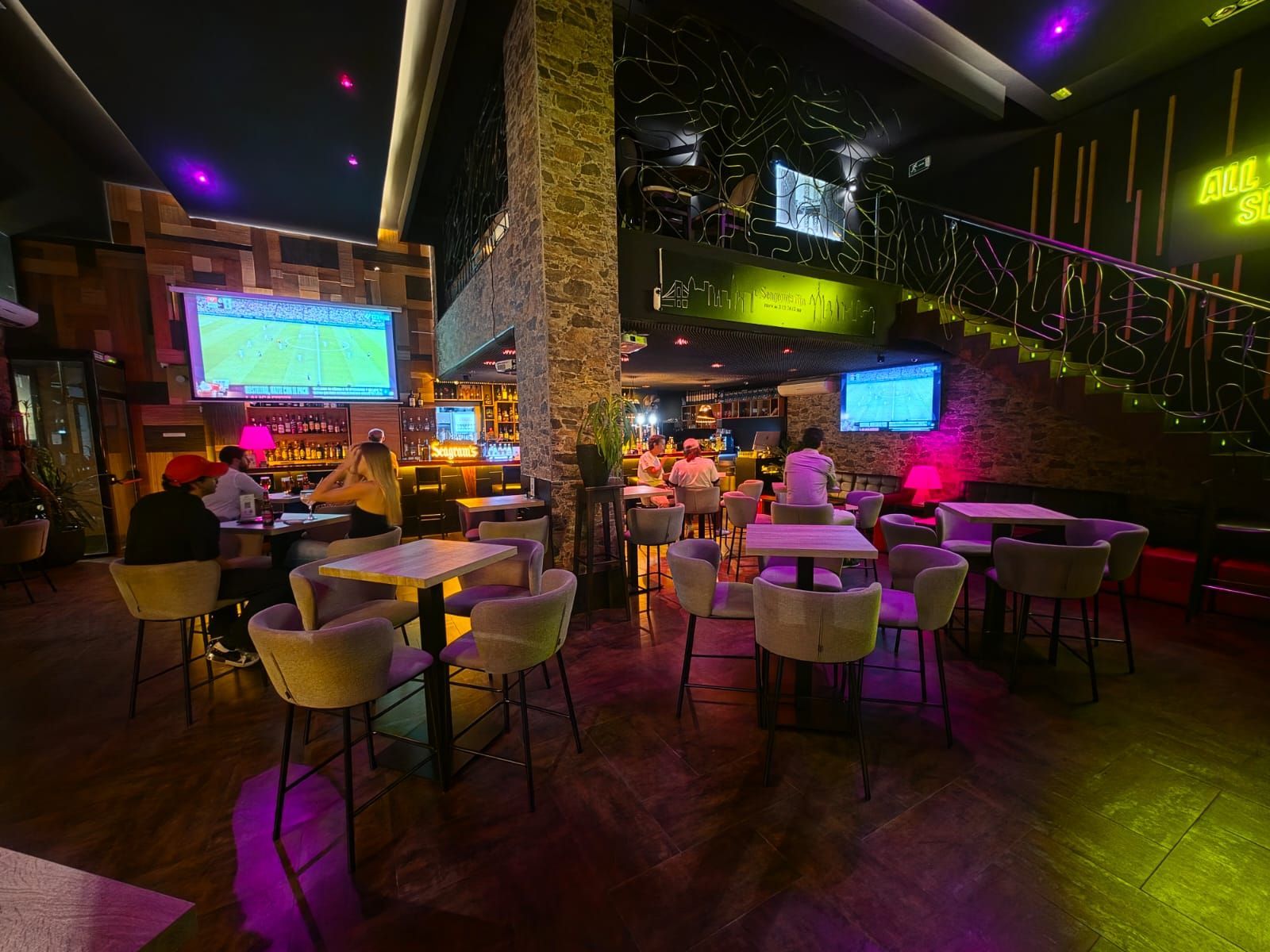
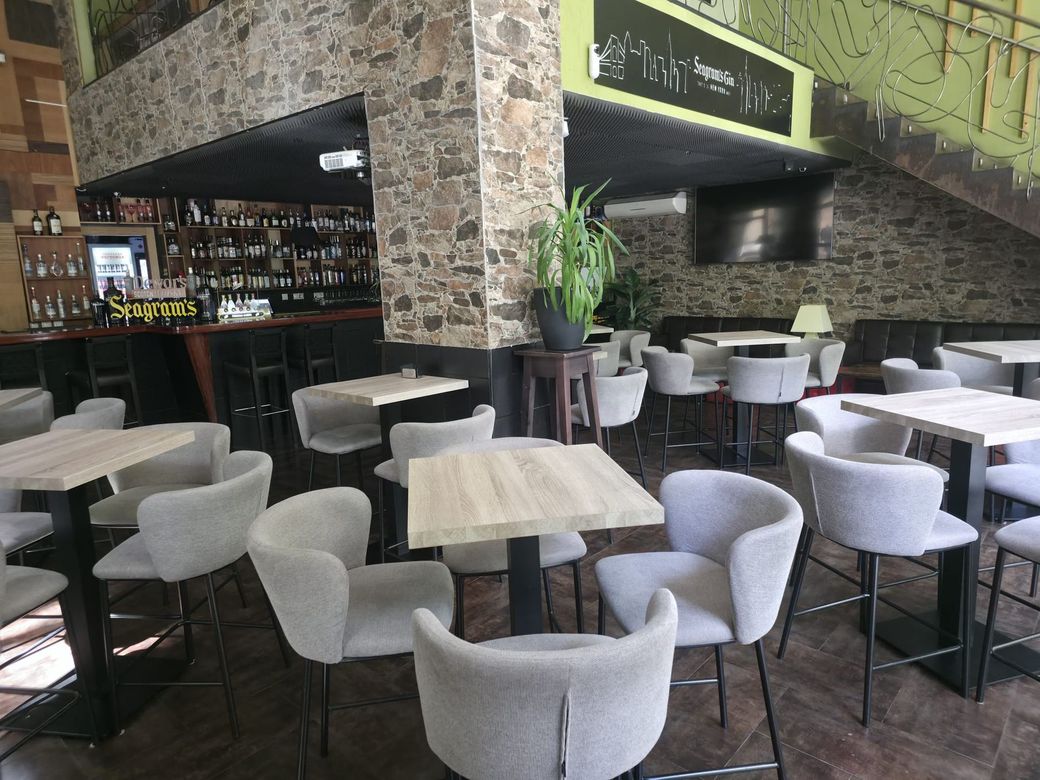
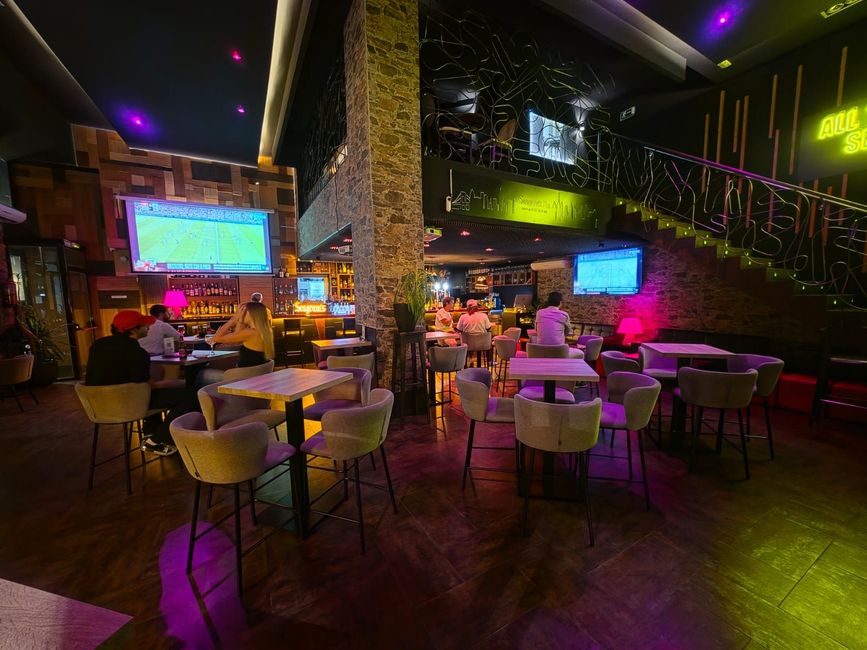
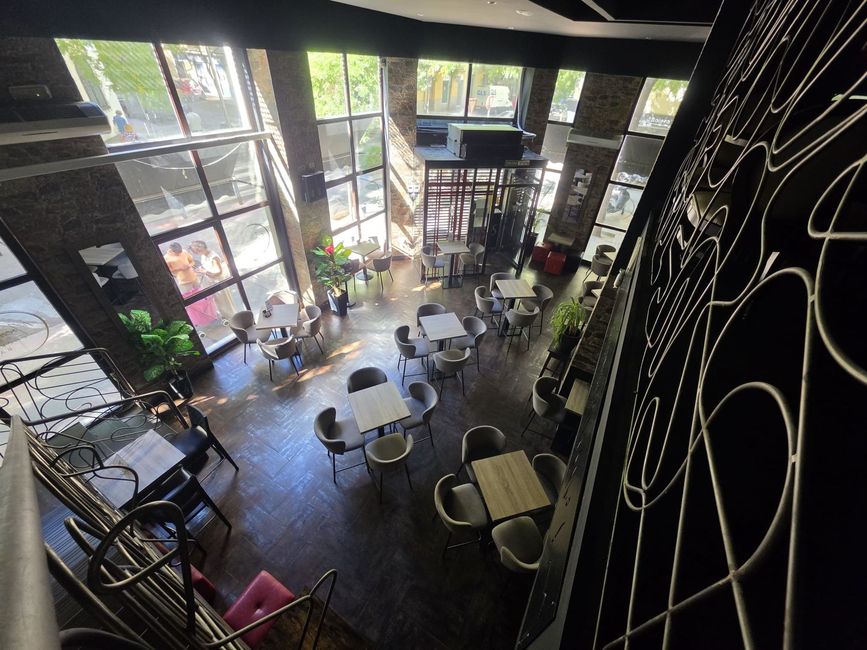
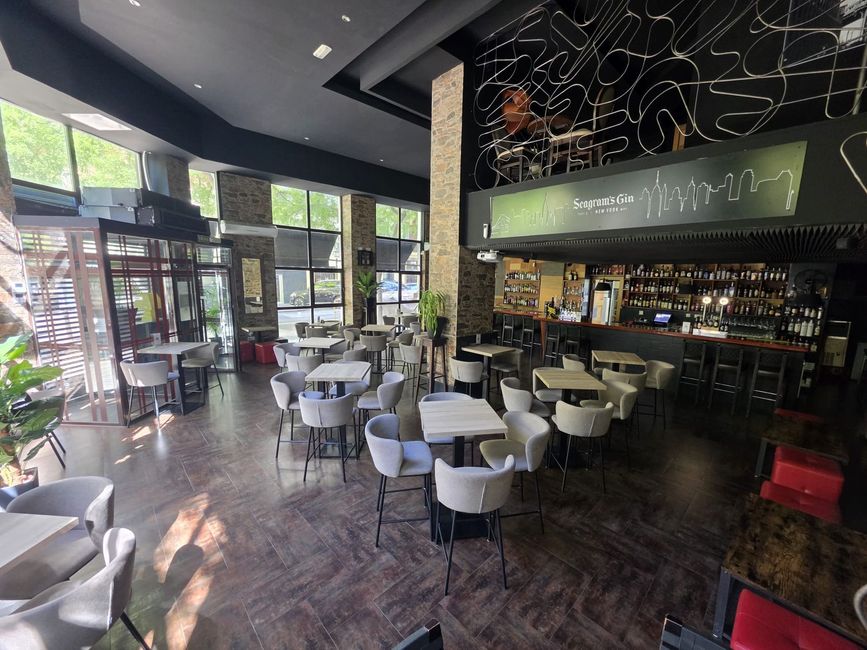
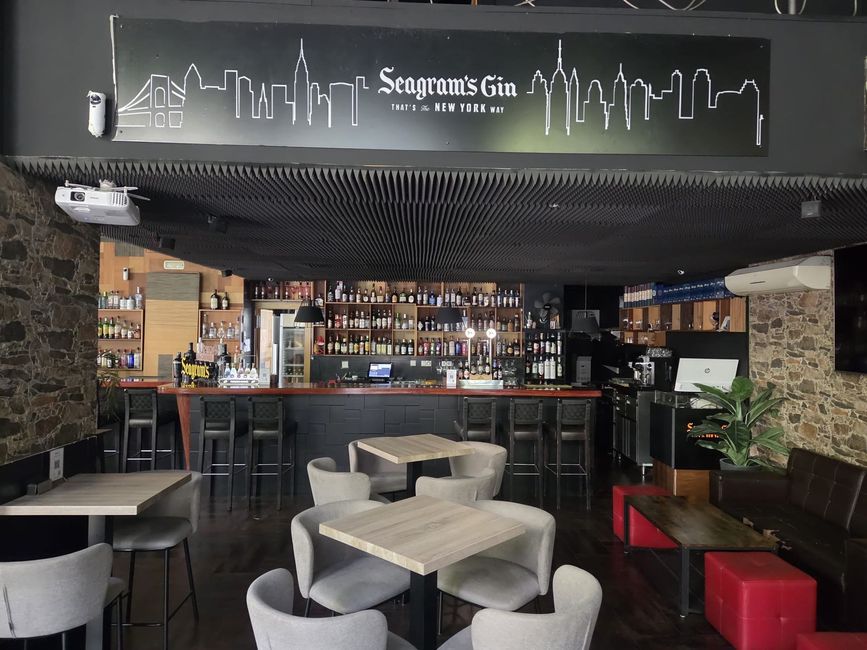
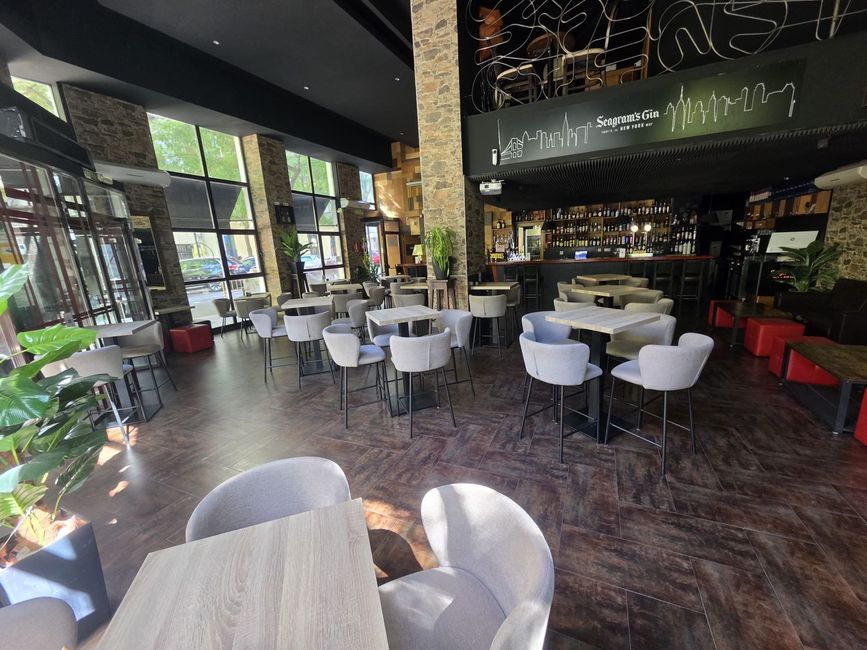
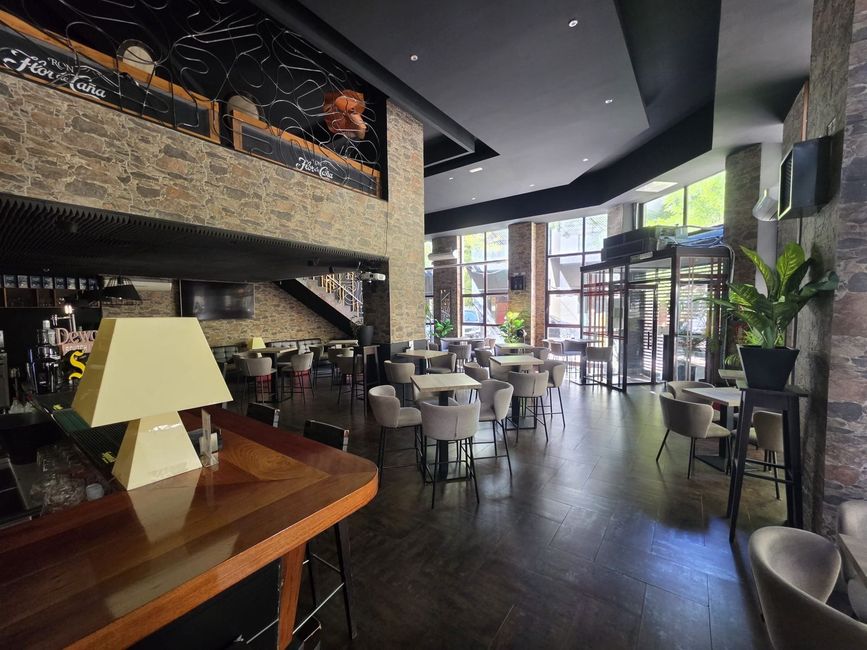
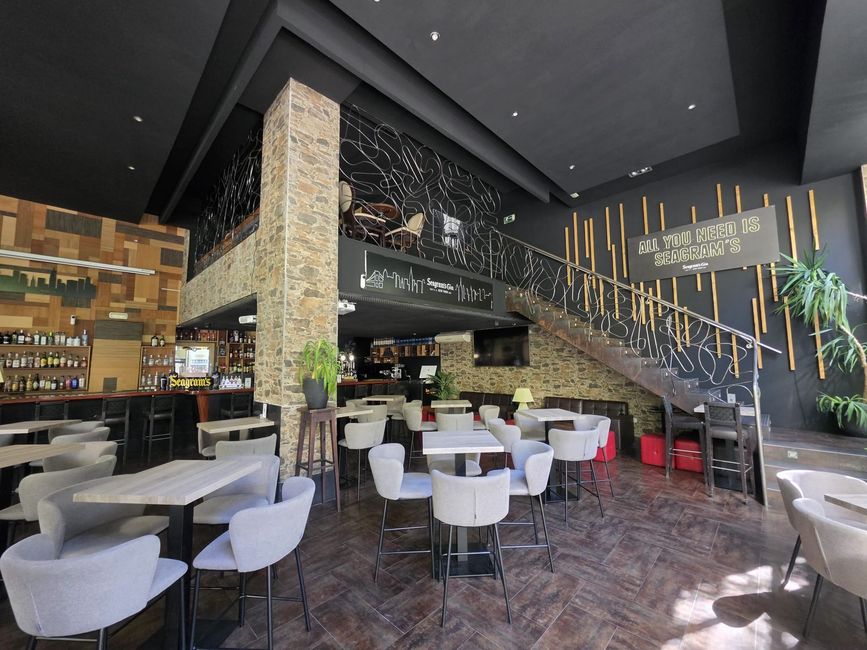
En el corazón de Madrid, MOCA LOUNGE BAR & COKTAILS el lugar perfecto para disfrutar de las mejores copas, cocktails exclusivos y toda la emoción del fútbol en directo. Un ambiente moderno, buena música y pantallas gigantes para que no te pierdas ningún partido importante mientras compartes con amigos. Desde combinados clásicos hasta creaciones de autor, cada noche aquí se vive con sabor, pasión y buen ambiente.
En MOCA LOUNGE BAR & COFFEE, cada visita es una oportunidad para disfrutar de un ambiente único en Madrid. Nuestro espacio se convierte en el lugar especial. Al caer la tarde, la atmósfera se transforma, ofreciendo cócteles y combinados clásicos en un entorno vibrante. Moderno y acogedor, MOCA es tu destino para vivir momentos especiales, ya sea en una tranquila conversación o en una celebración con amigos. ¡Te esperamos!
Testimonios
El Moca Lounge Bar & Coffee es el lugar perfecto para disfrutar de un café por la mañana y un cóctel por la noche. La atmósfera es increíble y el servicio es excepcional. ¡Siempre vuelvo!
Laura G.
Un espacio único en Madrid. Me encanta la variedad de cócteles y la atención al detalle en cada bebida. Definitivamente, mi nuevo lugar favorito.
Carlos M.
El ambiente es acogedor y moderno. Ideal para una reunión con amigos o una cita. Los bartenders son muy creativos y siempre tienen algo nuevo que ofrecer.
Sofía R.
Un lugar donde la calidad se nota en cada sorbo. Los cafés son de primera y los cócteles son simplemente espectaculares. ¡No puedo esperar para volver!